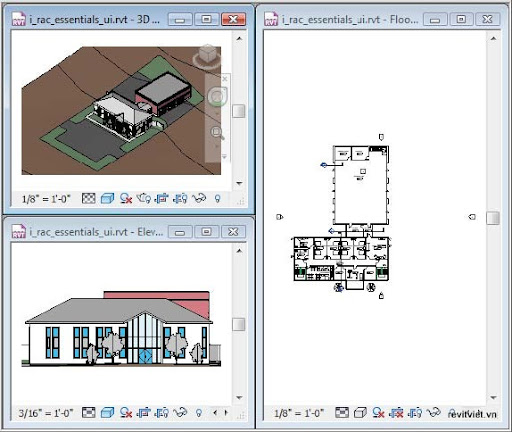
This lesson describes how to use the different parts of the Autodesk® Revit® Architecture user interface. You begin the lesson by learning about the main user interface. Then, you learn about the ribbon tabs and some recommended practices for using the user interface. The lesson concludes with an exercise on exploring the user interface.
Revit Architecture provides a friendly user interface where tools and options are available on the ribbon. In addition, context menus provide quick access to commonly used tools. The status bar provides information and tips that assist you while you work. Familiarity with the user interface helps you work with the software more efficiently.
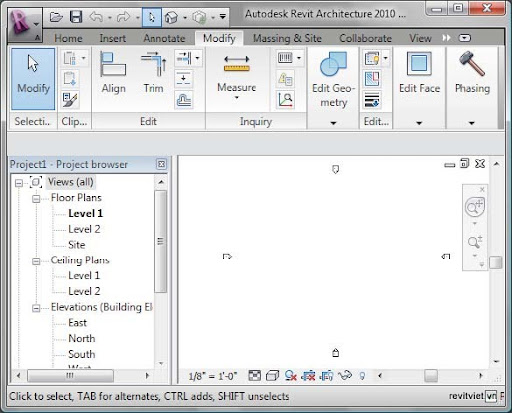
Revit Architecture user interface with a project file open
Objectives
After completing this lesson, you will be able to:
■ Identify the different parts of the Revit Architecture user interface.
■ Describe the Revit Architecture ribbon framework.
■ State the recommended practices for using the user interface.
■ Explore the Revit Architecture user interface.